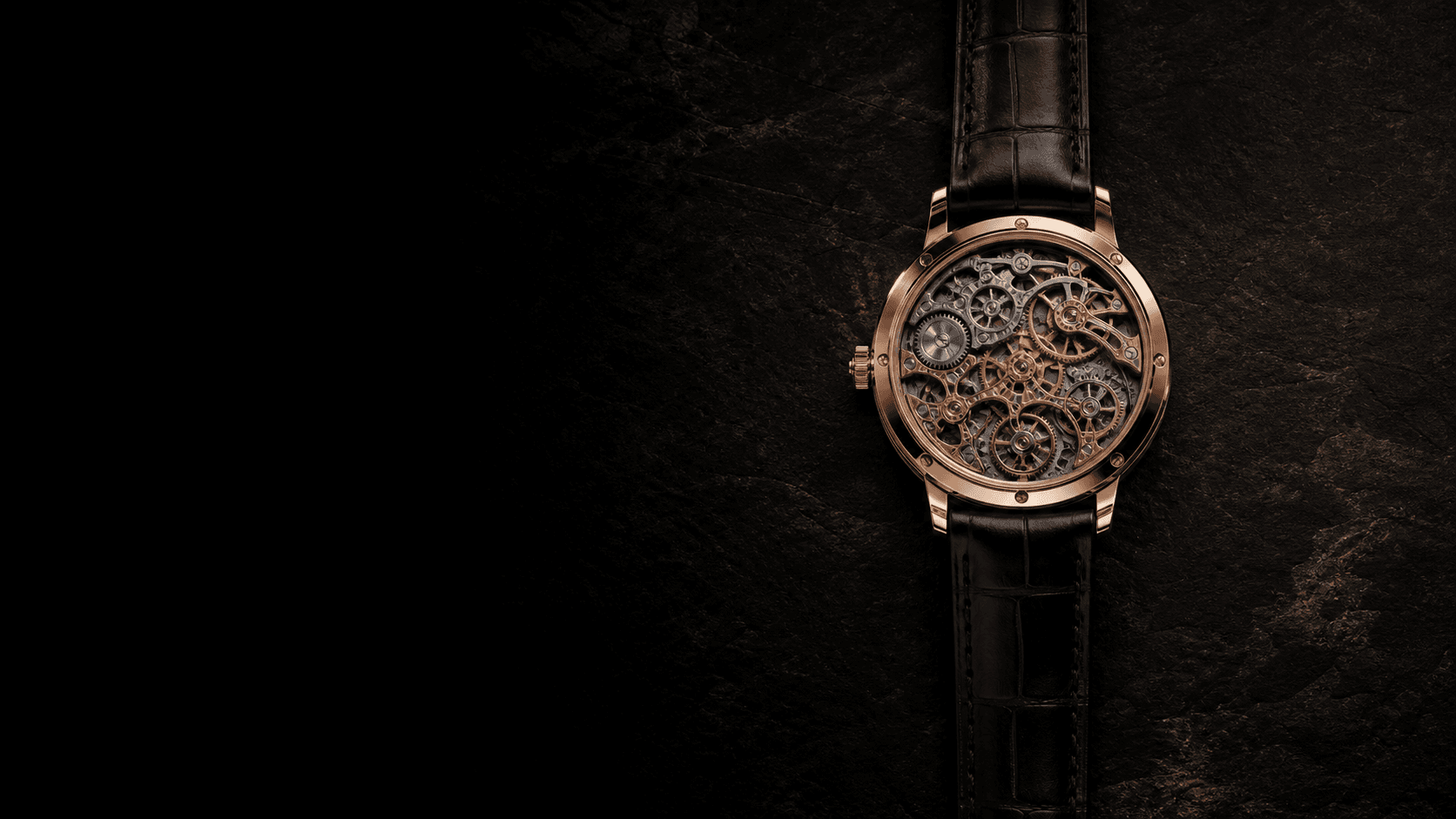
A horizontal or vertical scan reveals processed results over the source, from product image tags to recognized invoice fields.
motion-primitiveclip-path
Product tagging
Horizontal
Asset library / product-01.png
Watch
Product detected
Invoice review
Vertical
Accounts payable / invoice-0084.pdf
INVOICE#0084
Merchant
Northline Studio
Invoice date
18 Oct 2026
Amount due
$128.00 USD
INVOICE#0084
Merchant · matched
Northline Studio
Invoice date · matched
18 Oct 2026
Amount due · matched
$128.00 USD
import type { ComponentProps, CSSProperties, ReactNode } from "react";import { cn } from "@/lib/utils";import "./scan-reveal.css";export type ScanRevealProps = ComponentProps<"div"> & { /** Decorative starting layer. Keep controls in children, not here. */ before: ReactNode; /** Sweep duration in milliseconds. Remount with a new key to replay. */ duration?: number; /** Direction of travel: left to right, or top to bottom. */ direction?: "horizontal" | "vertical"; beforeClassName?: string; beamClassName?: string;};/** A moving edge reveals children over a decorative starting layer. */export function ScanReveal({ before, children, duration = 1400, direction = "horizontal", beforeClassName, beamClassName, className, style, ...props}: ScanRevealProps) { return ( <div {...props} data-slot="scan-reveal" data-direction={direction} className={cn("scan-reveal", className)} style={ { "--scan-reveal-duration": `${Number.isFinite(duration) ? Math.max(0, duration) : 1400}ms`, ...style, } as CSSProperties } > <div inert aria-hidden="true" className={cn("scan-reveal-before", beforeClassName)} > {before} </div> <div className="scan-reveal-content">{children}</div> <div aria-hidden="true" className={cn("scan-reveal-beam", beamClassName)} /> </div> );}
The pattern
A scan turns source material into a visible result, one region at a time. Use it to reveal object labels over a product photo, or recognized fields over their original invoice. The moving edge explains where the transformation has happened.
The preview is just one example. The component carries the motion; you bring the content.
Make it yours
Put the source in before and the processed result in children. Choose direction="horizontal" to inspect an image across its width, or direction="vertical" to read down a document. Keep both layers the same size so they line up; the source is clipped away as the result appears, so neither layer needs an opaque background. Start the reveal once results are ready: duration is the visual sweep time in milliseconds, not backend progress. Change the React key to replay. The source layer is decorative and inert; put controls only in children. Reduced motion shows the result immediately.
example.tsx
"use client";import { useState } from "react";import { ScanReveal } from "@/components/ui/scan-reveal";export function Example() { const [run, setRun] = useState(0); return ( <div className="flex flex-col items-start gap-4"> <ScanReveal key={run} direction="vertical" // "horizontal" scans left to right duration={1400} before={<div className="bg-muted p-6">Receipt text</div>} className="overflow-hidden rounded-xl border" > <div className="bg-background p-6">Extracted fields</div> </ScanReveal> <button type="button" onClick={() => setRun((value) => value + 1)}> Scan again </button> </div> );}